01
Private by Design
Your data is stored locally
on your device. No cloud.
Sharing under your control.
COMMIT • MOTIVATE • ACHIEVE
Follow your programme. Record training, nutrition and hydration. Review your progress with your Personal Trainer — with records stored on your device.
Offline-first • Records stored on your device
Powerful features
CMA Fitness Coach Suite reduces the friction created by scattered notes, spreadsheets and disconnected fitness apps.
Create, record and review workouts with exercises, sets, repetitions and weights.
Record meals, food quantities, calories, macronutrients and hydration.
Maintain body measurements and review meaningful changes over time.
Trainer Edition keeps individual client records, plans and progress organised.
Back up important data and use compatible export and import workflows.
A shared plan. Your own view.
Two connected roles, designed for the way you use them.
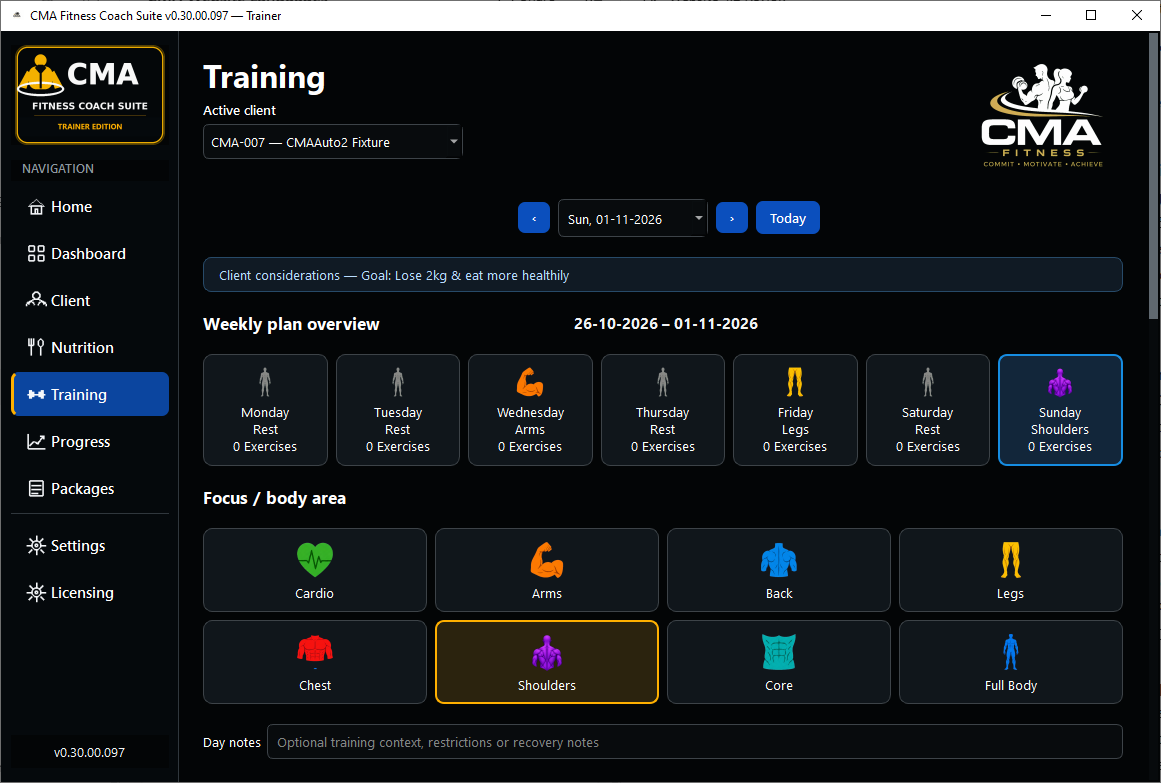
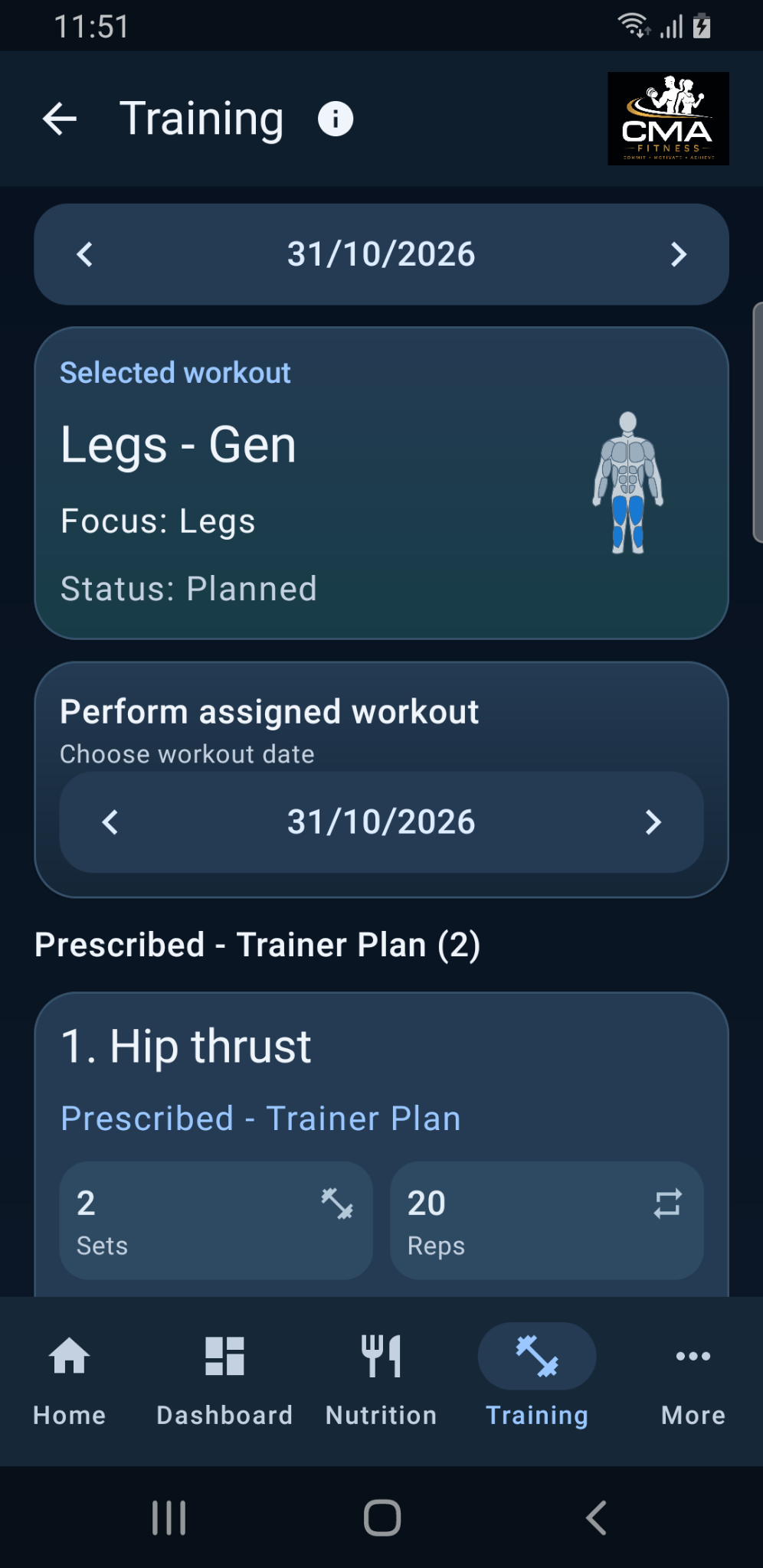
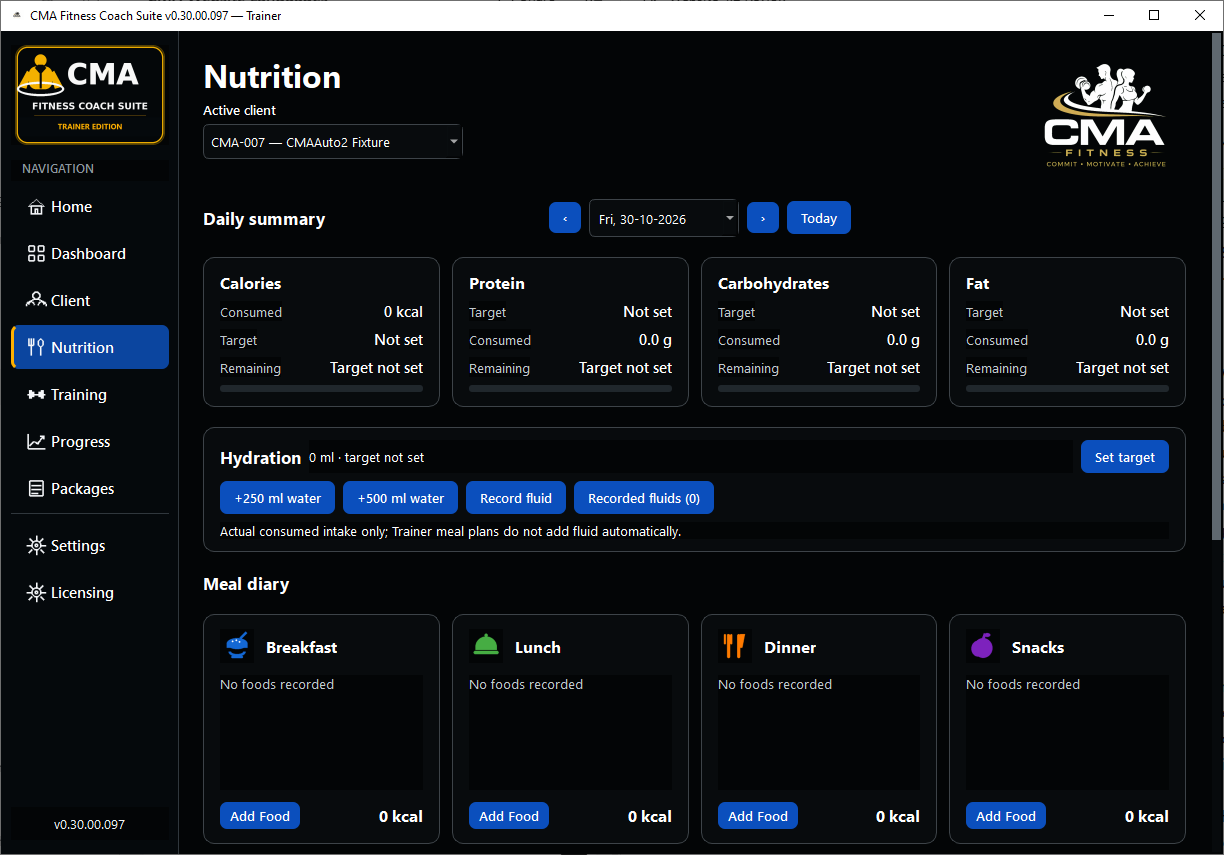
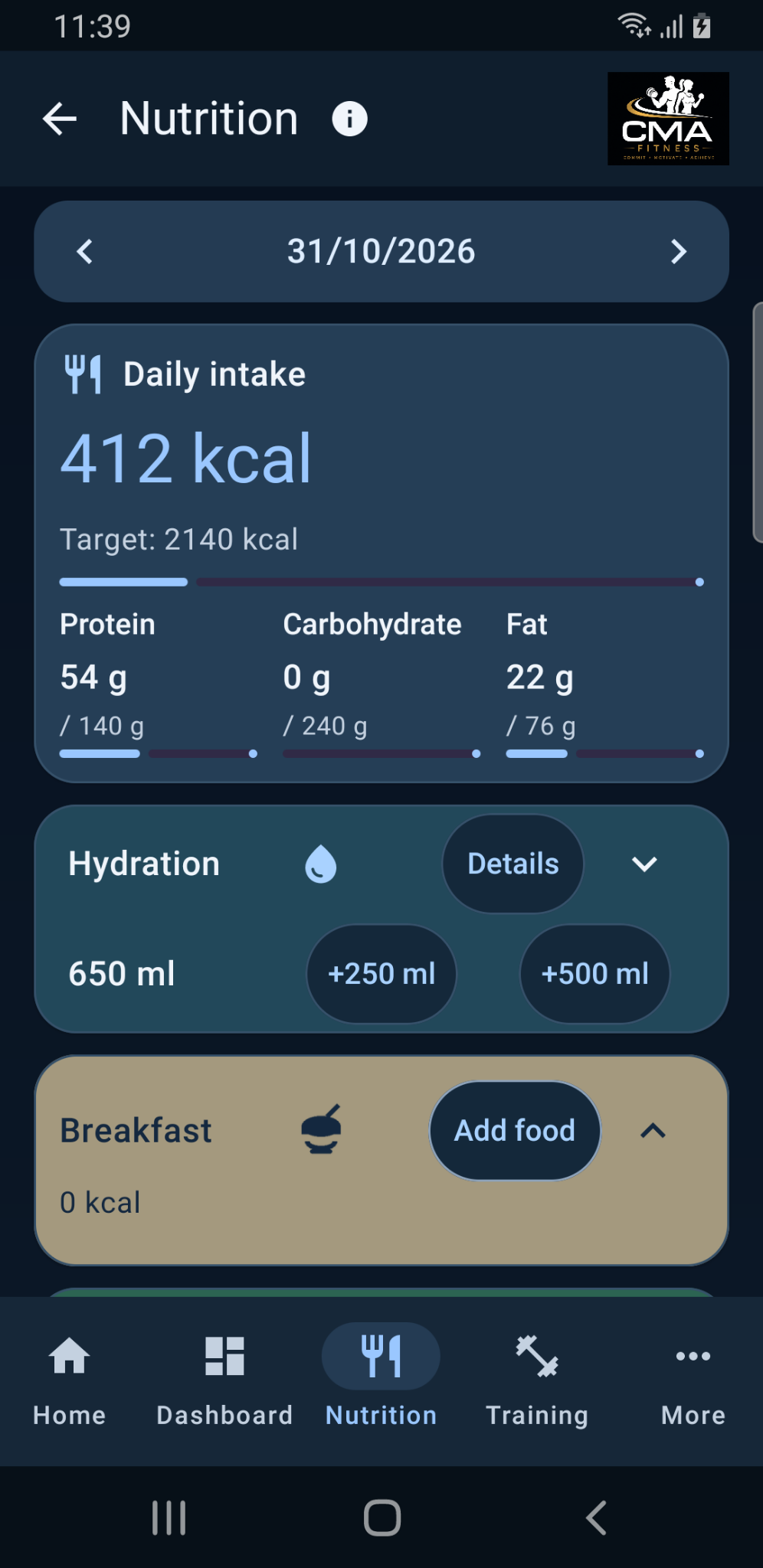
Demonstration data · Windows Trainer .097 and Android Personal .074 · Select an image to explore more app pages.
Two editions. One goal.
For individuals working with a qualified Personal Trainer: follow supplied programmes and record training, nutrition, hydration and progress on Windows or Android.
To use Personal as intended, you’ll need a supported programme package from your Trainer.
For personal trainers who need one organised place for client profiles, training plans, nutrition information and progress records.
Edition comparison
| Capability | Personal (Windows / Android) | Trainer (Windows) |
|---|---|---|
| Training programmes | Follow Trainer-provided programmes | Prepare client programmes |
| Nutrition records | Yes | Yes |
| Progress tracking | Yes | Yes |
| Offline local storage | Yes | Yes |
| Multiple client profiles | — | Yes |
| Supported package exchange | Import programme / export update | Export programme / import update |
Common questions
Yes. Downloading Personal is the first step; a supported package from your Trainer is needed to use it as intended. The Trainer-supported CMA workflow requires a qualified Personal Trainer using Windows Trainer to supply your programme and provide ongoing guidance and review. Personal users can also create or edit their own entries; those changes are not automatically Trainer-approved. Contact your Trainer before getting started.
Normal day-to-day recording works offline. Internet access is needed for Store downloads and updates, online food searches and other online services you choose to use.
Personal records are stored locally on your Windows or Android device. Trainer client records are stored locally on the Windows PC. Supported exports and transfers happen when you choose them.
No. The application supports fitness planning and record keeping. It does not provide medical diagnosis or replace qualified professional advice.
The Personal Edition includes an export workflow intended for compatible import into the Trainer Edition.
Published editions
Version 0.30.00.119. Follow Trainer-provided programmes and record your fitness information on your Windows PC. A supported Trainer package is needed to use Personal as intended.
Version 0.30.00.119. Prepare client programmes, exchange supported packages and review progress. Contact CMA about access and activation.
Version 0.80.00.109. Record training, nutrition, hydration and progress on your Android phone. A supported Trainer package is needed to use Personal as intended.
View on Google PlayWindows Personal and Trainer are published through Microsoft Store. For the correct Windows listing and setup guidance, contact CMA Fitness Solutions. Store availability depends on your region and device. Android has a Personal edition; there is no Android Trainer edition.
Your fitness partnership
CMA Personal is designed to work with a qualified Personal Trainer who uses CMA Trainer. Arrange this support before relying on the app for your training programme.
Your Trainer discusses your goals and circumstances, prepares a suitable programme and supplies it through a supported CMA package.
Use Windows or Android Personal to follow your programme, record activity and share supported progress updates with your Trainer when you choose.
Your Trainer provides exercise guidance, reviews progress and adjusts your programme. The app supports this relationship; it does not replace professional judgement.
A Trainer qualification does not itself confer medical or specialist dietary expertise. Seek the appropriate qualified professional for those needs. CMA software support covers technical issues; arrange coaching directly with your Trainer.
Ask about getting startedSupport
For programme guidance, contact your Personal Trainer. For software installation or technical problems, contact CMA support.
Include the edition, application version, what you were doing and the exact wording of any error message.
support@cmafitnesssolutions.comUse the general contact address for non-technical questions about the products or website.
contact@cmafitnesssolutions.com